Registration Information
Winter-Spring 2026 registration is currently open!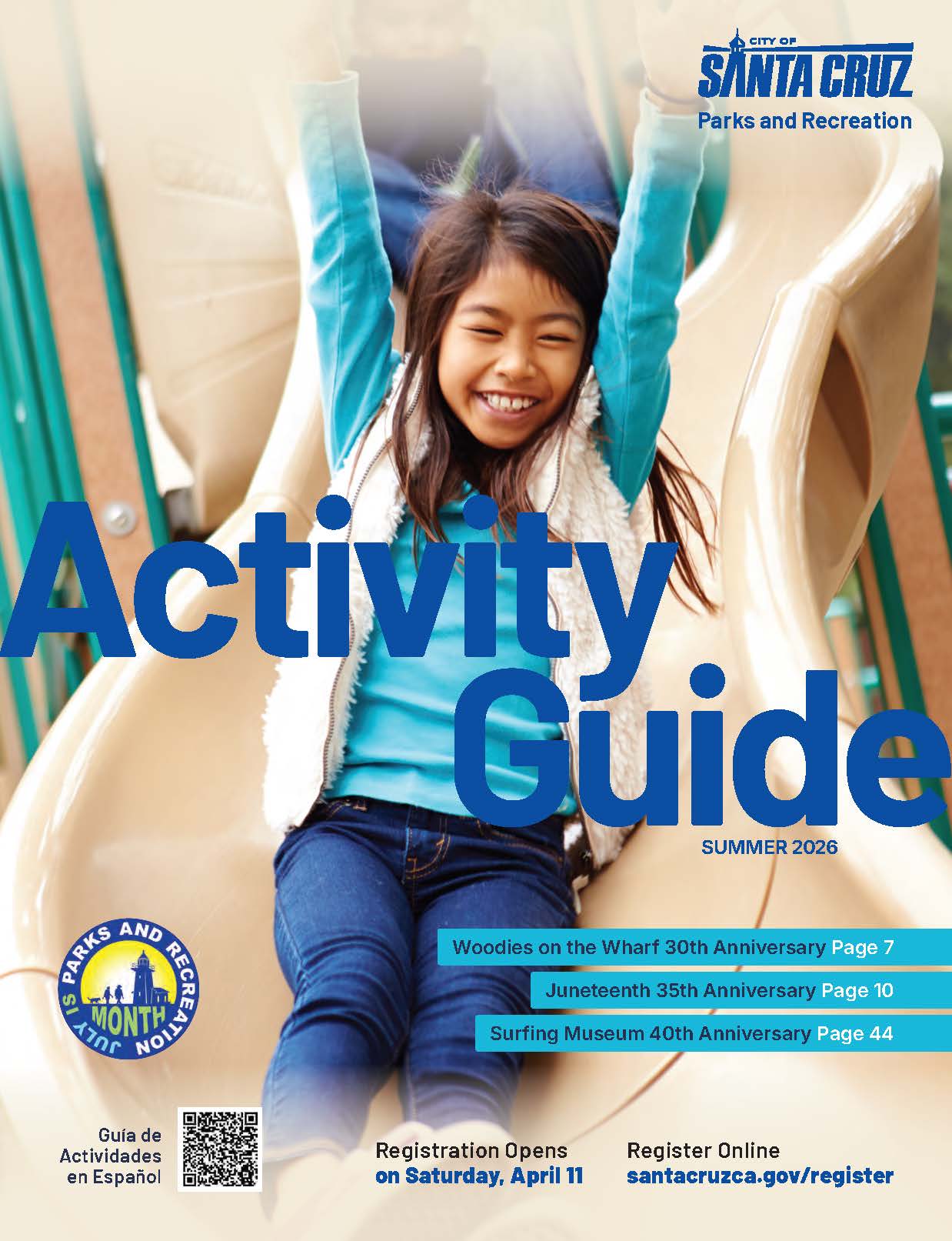
Summer 2026 registration opens Saturday, April 11 at 8:00am for city residents and 10:00am for nonresidents. Click the Activity Guide to view in English and Spanish!
Check Your Home Address (City Limits)
To check if you are a City resident, visit the Council District Map. Type your address into the search bar at the top left. If your address is inside a colored area, you are a City resident. If it is in a gray area outside the lines, you are a Non-resident.
FOPAR Scholarships
The deadline for Summer Scholarships is April 3, 2026. Learn more about FOPAR Scholarships here!
How to Create an Account or Check Your City Resident Status in WebTrac
Creating a New Household Account
To create a new household account, visit WebTrac, click on "Login" at the top of the screen. From the account login screen, click on the "Need a New Account" link and follow the on-screen instructions.
Have an Existing Account and Want to Know Your City Resident Status?
To check the status of your household, log on to WebTrac and enter your account information. From My Account, go to Update and click on Household & Member. You'll be able to see your home address status in the table listed.

JG Registration Hours
Junior Guard Registration Hours starting April 11, 2026:
- Returning City Resident 8:00am
- New City Resident 9:00am
- Returning Nonresident 10:00am
- All Others 11:00am
Registration Tips
Registration day is very busy because many people want to sign up for popular classes at the same time. These tips will help you get ready so you can register quickly and easily.
Before Registration Day
- Verify Your Account. Log in to WebTrac early to test your password. If you need a reset and don't have a valid email on file, call our office at (831) 420-5270 to update your contact information.
- Update Your Household. Ensure all family members are listed on your account. Staff must manually add new children, so please complete this well before registration opens on April 11.
- Confirm Residency. City residents must verify their home address in the system prior to registering to ensure proper billing. For more information on Residence Verification, please review the Home Address Verification section.
- Check Your Tech. WebTrac may look different on some mobile devices; test your device beforehand to familiarize yourself with the layout.
- Accessing WebTrac outside the U.S. WebTrac is restricted in some countries. If you are traveling outside the U.S., you may need a Virtual Private Network (VPN) or a trusted neighbor or family member at home to register for you.
- WebTrac Access is available from: Argentina, Australia, Austria, Belgium, Bolivia, Brazil, Canada, Chile, Colombia, Costa Rica, Croatia, Czech Republic, Denmark, Ecuador, Estonia, Finland, France, French Guiana, Germany, Greece, Guyana, Hungary, Italy, Japan, South Korea, Latvia, Luxembourg, Malta, Netherlands, New Zealand, Paraguay, Peru, Poland, Portugal, Romania, Slovakia, Slovenia, Spain, Suriname, Sweden, Turkey, United Kingdom, United States and Uruguay.
- City residents must verify their home address prior to registration.
Registration Tips
- Act Fast. Many programs fill on the first day. You can check real-time availability for any class directly on WebTrac.
- Be Prepared. Have your activity numbers and credit card ready.
- Financial Assistance. If you are using a scholarship award, review our Scholarship Helpful Hints Guide first.
- Refund Policy. Review the Registration Refund Policy before completing your transaction to avoid unwanted charges.
Waitlists & Support
- Waitlist Protocol. If a program is full, join the waitlist, but do not attend the class unless we contact you. We call waitlisted families in order and provide 24 hours to respond before moving to the next person.
- Need Help? Contact our registration hotline at (831) 420-5270.
Send Us Your Verification Documents
Home Address Verification
- The following documents are accepted for proof of residency:
- Current utility bill from the last ninety (90) days with your address and name listed;
- State or Federal issued ID card or driver’s license;
- Bank statement from the last ninety (90) days;
- Rental/Lease agreement or mortgage statement/property tax receipt; or
- Other official government correspondence with your name and address listed with date issued from the last ninety (90) days, such as: DMV Vehicle Registration Renewal Notice, Voter Registration Card or Confirmation, Social Security Statement, Correspondence from a County or City Government Office.
You may wish to redact any sensitive information from the document before submission.
- You can update the status of your account by submitting any of the above either in-person, via fax or email. Emailed confirmations can be sent to parksandrec@santacruzca.gov.
In-person submissions are accepted at the following locations:
Parks and Recreation Administration
323 Church Street
Santa Cruz, CA 95060
P: (831) 420-5270
F: (831) 420-5271
London Nelson Community Center
301 Center Street
Santa Cruz, CA 95060
P: (831) 420-6177
F: (831) 420-6457
- Once we’ve received your confirmation, we'll update your account status in WebTrac.
Frequently Asked Questions (FAQ)
Where can I register for a class or activity?
Why can't I log in to WebTrac?
- Your password may have expired, or your account may be locked because of too many wrong guesses.
- To fix this, you can try to reset your password on the WebTrac site.
- If you are locked out, you will need to call the Administrative Office at (831) 420-5270 (Monday–Friday, 8:00am-12:00pm and 1:00-5:00pm) to unlock it.
How do I change my password?
How do I set up a new account?
Note: To receive the Resident rate, your account address must be located within Santa Cruz City limits and you must provide address verification.
Why does my account say I'm a "Non-resident"?
- All new accounts start as "Non-resident" until your address is verified.
- To get the Resident rate, please email parksandrec@santacruzca.gov or visit us in person with one of the following documents:
- Current utility bill from the last ninety (90) days with your address and name listed
- State or Federal issued ID card or drivers license
- Bank statement from the last ninety (90) days (redact any sensitive information)
- Other official documents with your name and address listed with date issued from the last ninety (90) days
Why am I getting an error message about ages (i.e. age older than or equal to “X” and younger than or equal “X”)?
- This happens if the person registering is too young or too old for the activity.
- The registrant must be the correct age by the first day of the scheduled activity.
- If your birthday is wrong in the system, please call (831) 420-5270 or email webtrac@santacruzca.gov for assistance. Be sure to include your name, contact information and request.
Why do I have to enter my birth date?
- WebTrac calculates age using birthdate information.
- To register for activities that have an age requirement, birthdate information is required for the household member that is registering for the activity.
- To update your account information, please call (831) 420-5270 or email webtrac@santacruzca.gov and speak with a customer service representative. Be sure to include your name, contact information and request.
How do I add family members to my account?
What's the City's Tax ID for child care expenses?
- The City's Tax ID is #94-6000427.
- You can find all your receipts by logging into WebTrac and clicking "My Account".